Case Study – Expense Tracker Web App | The Web Concept
💰 Case Study

Expense Tracker —
Smart Financial App
Built for Clarity

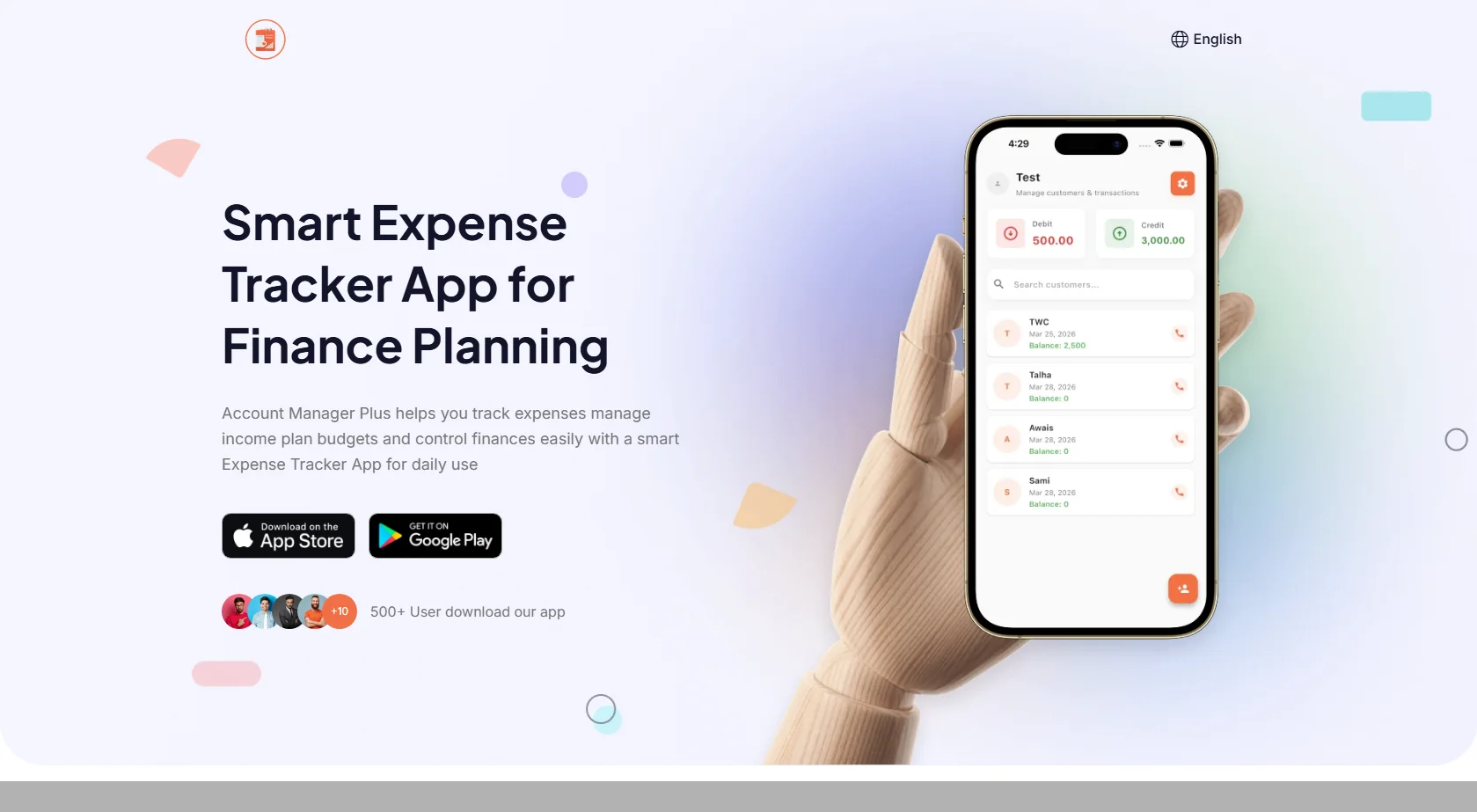
A modern, web-based financial management system designed to help users track income, expenses, and budgets in one centralized platform — with real-time data and a clean, intuitive interface.
💸 Expense Tracker App
🏦 Niche: Finance Management
🌐 Stack: HTML / PHP / MySQL
🎯 Goal: Budgeting & Tracking
📱 Mobile 💻 Desktop 📟 Tablet 📊 Dashboard ⚡ Real-Time
https://thewebconcept.com/expense-tracker
Expense Tracker Web Application
Project Overview

Powerful Finance Tracking —
Zero Complexity

The Expense Tracker is a modern web-based financial management system designed to help users efficiently track their income, expenses, and overall budgeting in one centralized platform. The application focuses on simplifying personal and business finance tracking through a clean UI and real-time data management.

The platform ensures users can easily monitor spending habits, categorize transactions, and make better financial decisions — without relying on complex spreadsheets or manual entries.
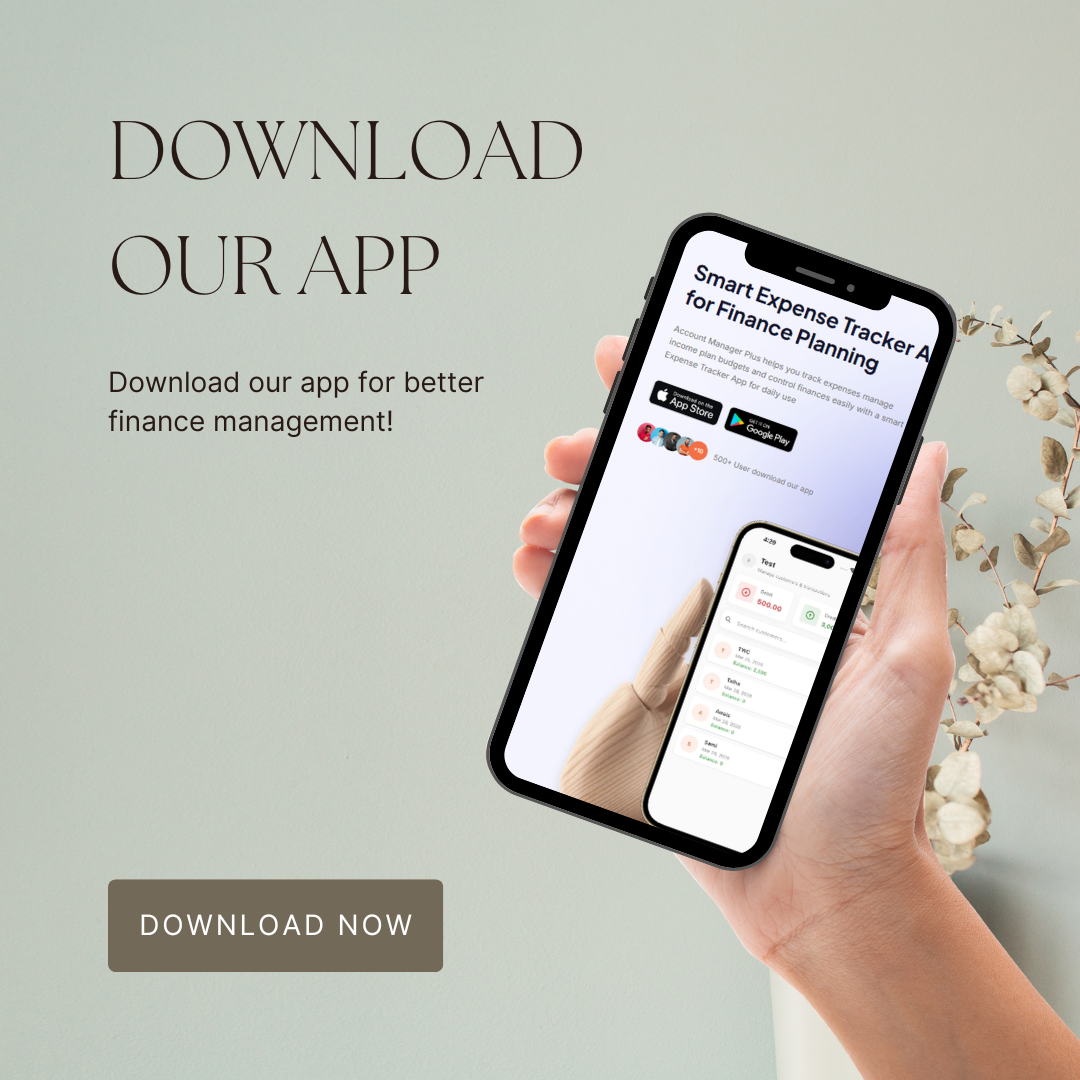
Expense Tracker Overview
Client Requirements & Goals

What the Application
Needed to Achieve

💰
Income & Expense Tracking
Easy daily tracking of income and expenses without relying on spreadsheets or manual entry methods.
🗂️
Transaction Categorization
Ability to categorize financial transactions for cleaner organization and smarter spending insights.
📊
Visual Dashboard
A clear, data-rich dashboard providing financial overviews and spending pattern visualizations at a glance.
🔐
Secure & User-Friendly UI
A secure interface that non-technical users can navigate comfortably without a learning curve.
📱
Mobile-Responsive Design
Full accessibility on all devices — phones, tablets, and desktops — for on-the-go financial tracking.
Fast Real-Time Updates
Smooth performance with real-time data updates for both individuals and small business users.
Development Approach

Structured Build —
End to End

A structured development approach was used to meet every project goal — covering UI/UX design, core functionality, dashboard visualization, and full performance optimization across the stack.
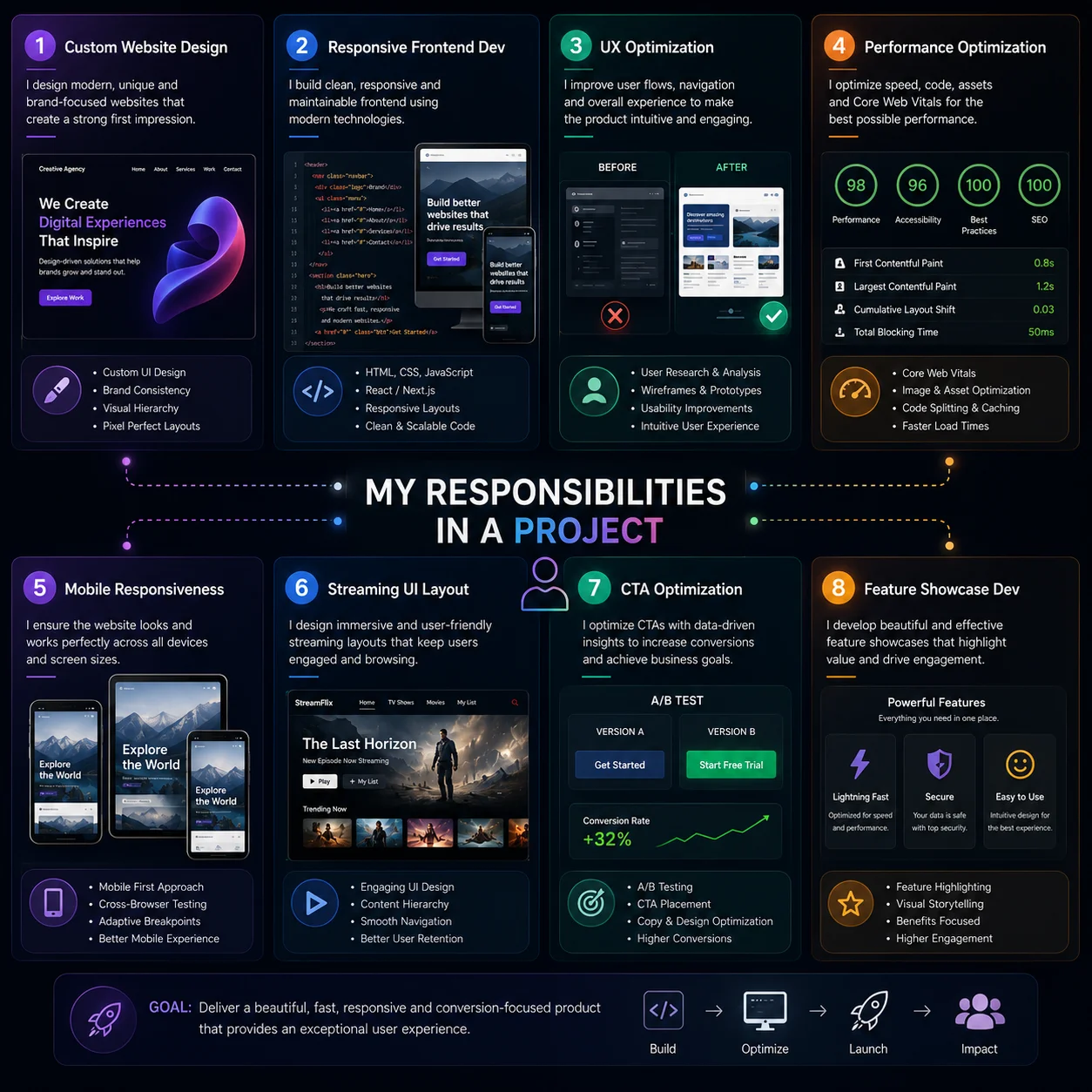
UI/UX Design Core Functionality Development Dashboard & Visualization Income & Expense Modules Category-Based Filtering Transaction History Logs Performance Optimization Responsive Implementation
Expense Tracker Design
Design & UX Strategy

Clean Interface —
Powerful Insights

The design focused on simplicity and clarity — ensuring users can add transactions and read financial data in just a few clicks, with zero learning curve.

🧹
Minimal Yet Informative Dashboard
Carefully balanced dashboard presenting essential financial data without overwhelming users — every metric earns its place.
📐
Clear Visual Hierarchy
Structured sections and typography guide users naturally from overview to detail — making complex financial data easy to digest.
🖱️
Intuitive User Flow
Designed specifically for non-technical users — adding income, logging expenses, and filtering categories requires minimal effort.
📊
Visual Spending Patterns
Charts and visual breakdowns help users identify spending habits and financial trends without reading raw numbers.
📱
Responsive for All Screens
Layouts adapted for mobile, tablet, and desktop use — ensuring a smooth tracking experience on any device at any time.
🔐
Secure Data Interface
Security-first design decisions protect user financial data while keeping the interface clean and free of unnecessary friction.
Key Features Implemented

Every Feature
Built with Purpose

💰
Income & Expense Management
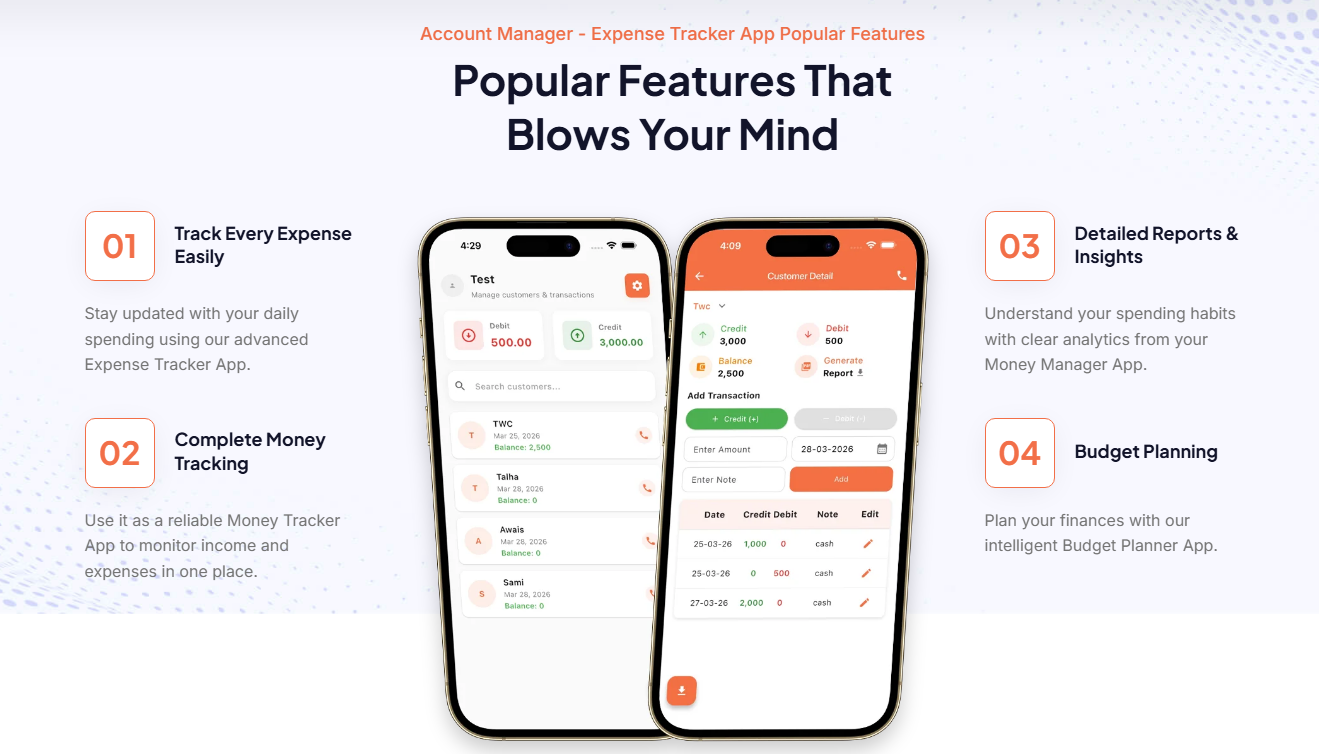
A complete transaction management system allowing users to log income and expenses, categorize entries, and maintain a full transaction history — all in real time.
Income TrackingExpense LoggingTransaction History
📊
Visual Dashboard Analytics
The dashboard delivers a quick financial overview, spending pattern insights, and category-wise expense breakdowns — giving users a complete picture of their finances instantly.
Financial OverviewSpending PatternsCategory Breakdown
🗂️
Category-Based Tracking
Transactions are organized into user-defined categories with filtering support — enabling focused analysis of specific spending areas like food, transport, utilities, and more.
Custom CategoriesFilter SystemMonthly Summary
Performance Optimization
The application was fully optimized for fast load times, smooth interactions, and efficient database handling — ensuring a snappy, responsive experience even with large transaction datasets.
Fast LoadSmooth UIEfficient DB
Device Compatibility

Track Finances Anywhere —
Every Screen

The application was built to deliver a consistent, polished experience across all devices — so users can manage finances whether at home or on the go.
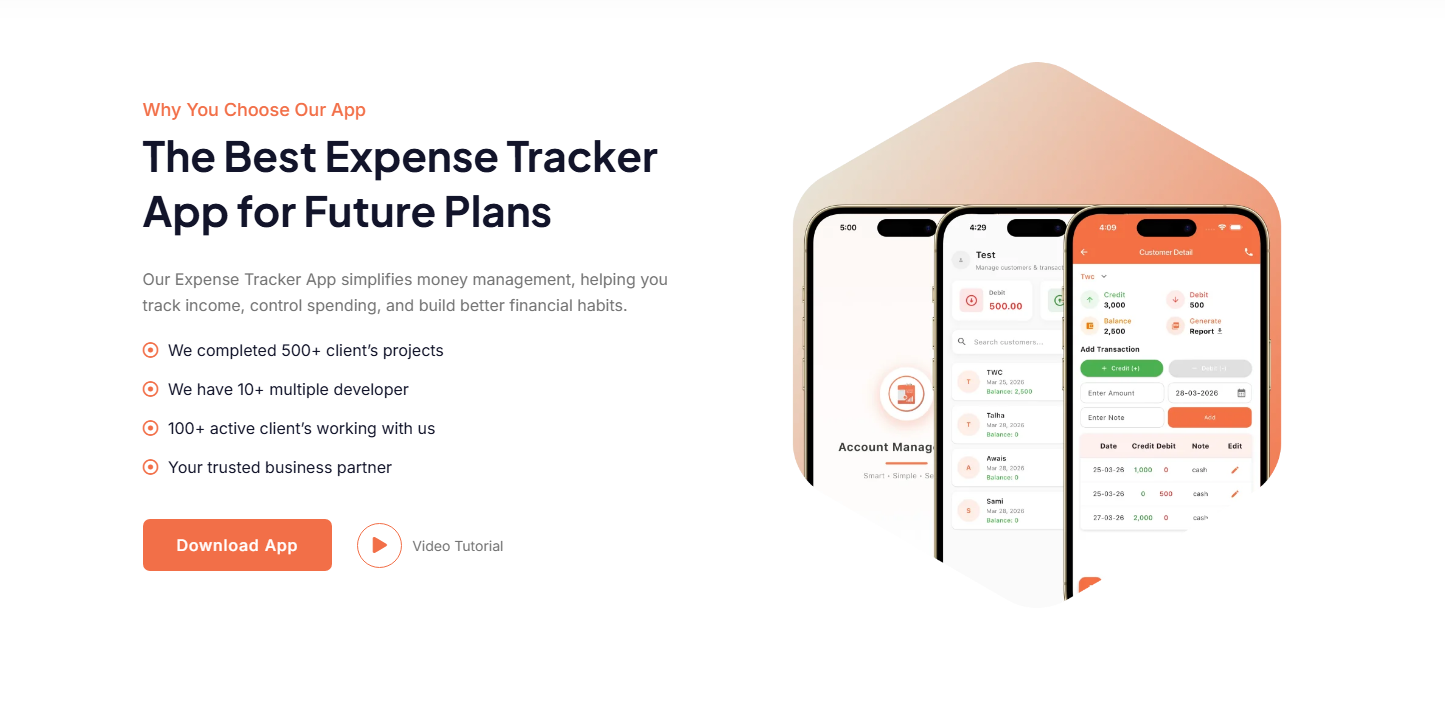
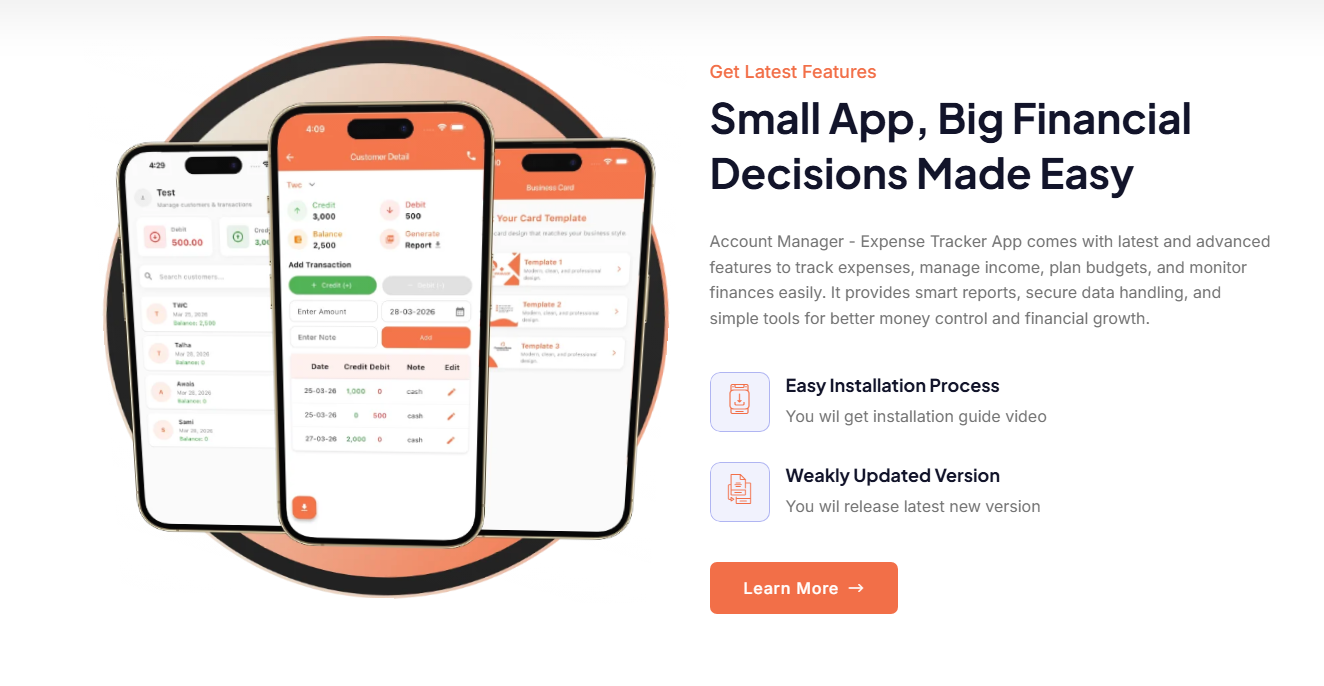
📱
Mobile Phones
Touch-optimized UI for quick expense logging and budget checks on smartphones.
🖥️
Desktop & Laptop
Full-featured dashboard experience with complete data visualization on larger screens.
📟
Tablets
Responsive grid layouts adapted for comfortable mid-size tablet browsing and entry.
🖵
Large Displays
Wide-screen optimized dashboard layouts for enhanced data visibility and analysis.
Visual Highlights

Inside the
Finished Application

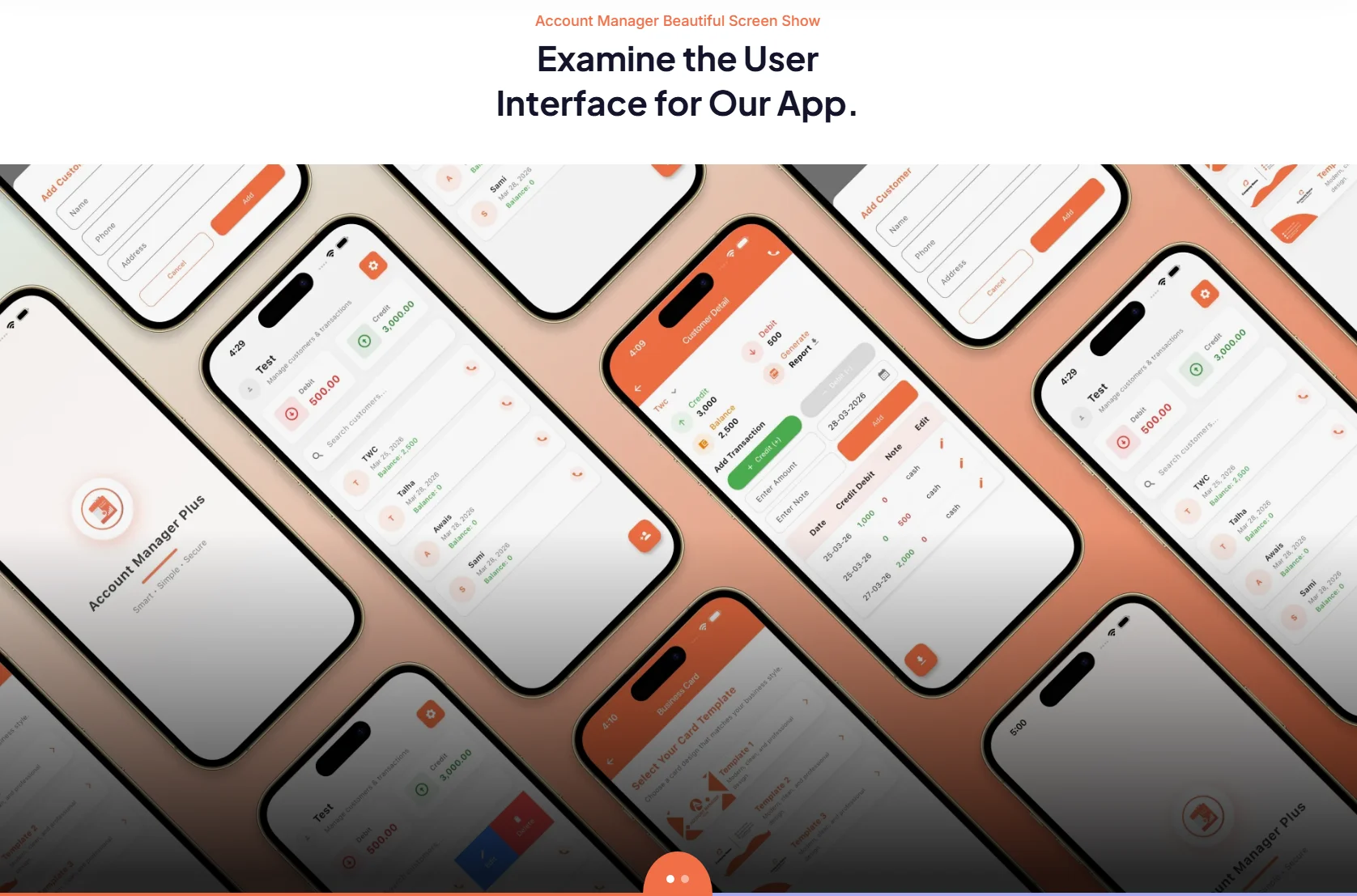
Expense Tracker Dashboard
📊 Main Dashboard
Income Tracking
💰 Finance Mangement
Expense Logging
💸 Features
Category Management
🗂️ Key Points
Transaction History
📋 App Interface
Mobile Responsive View
📱 Faqs
Challenges & Solutions

Every Problem
Had a Solution

❌ Challenge — Minimal Yet Informative Dashboard
Designing a dashboard that presents enough financial data to be useful without overwhelming users with numbers, charts, and metrics all competing for attention at once.
✅ Solution — Prioritized Data Hierarchy
A clean, layered dashboard was designed with prioritized financial metrics — critical totals front and center, with detailed breakdowns accessible one level deeper to reduce visual noise.
❌ Challenge — Smooth UI Performance
Financial apps with dynamic data — real-time updates, transaction lists, and chart renders — can suffer from sluggishness if not carefully optimized at both frontend and backend levels.
✅ Solution — Optimized Data Handling
Efficient database queries, lightweight frontend components, and smart data-fetching strategies were implemented to ensure fast load times and smooth interactions throughout the app.
❌ Challenge — Non-Technical User Accessibility
The application needed to serve users with no technical background — meaning every flow, label, and interaction had to be immediately intuitive without any documentation or onboarding.
✅ Solution — Intuitive UX Flow
Every user journey was simplified to the fewest possible steps. Clear labels, logical navigation, and smart defaults were built in so users can start tracking finances from their very first visit.
Results & Impact

What Was
Successfully Delivered

📈
Improved Budgeting Habits
Users gain clear visibility of income vs. expenses, making it easier to build and maintain healthy financial habits.
👁️
Better Spending Visibility
Category breakdowns and visual dashboards reveal spending patterns users previously couldn't see clearly.
🗑️
Reduced Manual Tracking
Automated categorization and real-time updates eliminate the need for spreadsheets and manual record-keeping.
🧠
Informed Financial Decisions
Clear data presentation empowers users to make smarter, data-driven decisions about their personal finances.
📱
Cross-Device Accessibility
Fully responsive performance across mobile, tablet, and desktop — finance tracking available anywhere, anytime.
🔧
Scalable Architecture
Built for future expansion — AI insights, bank integration, and advanced reporting can be added with ease.
Technology Stack

Built With the
Right Stack

🌐
HTML / CSS / JavaScript
🐘
PHP Backend
🗄️
MySQL Database
🎨
Bootstrap / Custom UI
Performance Optimization
Conclusion

Where Simplicity Meets
Financial Power

The Expense Tracker project demonstrates The Web Concept's ability to build functional, user-focused financial applications with clean design and strong usability. It successfully combines simplicity with powerful tracking features — making it a reliable tool for everyday financial management for both individuals and small businesses.

  • Clean, intuitive financial tracking dashboard
  • Income and expense management with categorization
  • Visual spending insights and monthly summaries
  • Category-based filtering and transaction history logs
  • Fully responsive across mobile, tablet, and desktop
  • Secure data handling with user-friendly interface
  • Optimized performance with real-time data updates
  • Scalable architecture ready for future feature expansion
🔗 Live Web Application
https://thewebconcept.com/expense-tracker
View Live Project→

Need a Custom Web Application
Built for Real Users?

Let's build a clean, fast, and user-focused web application tailored to your business needs.